The False Economy of the Overcrowded Build Plate
When preparing a mechanical assembly of fourteen distinct components, the instinctive reaction in slicer software is often to pack every bracket, spacer, cover, and lever into a single 256×256 mm build plate. While this seems to maximize printer uptime and reduce manual sheet swaps, it introduces catastrophic failure cascading. A single warped corner or minor adhesion defect on component twelve ruins the remaining thirteen parts after eight hours of printing.
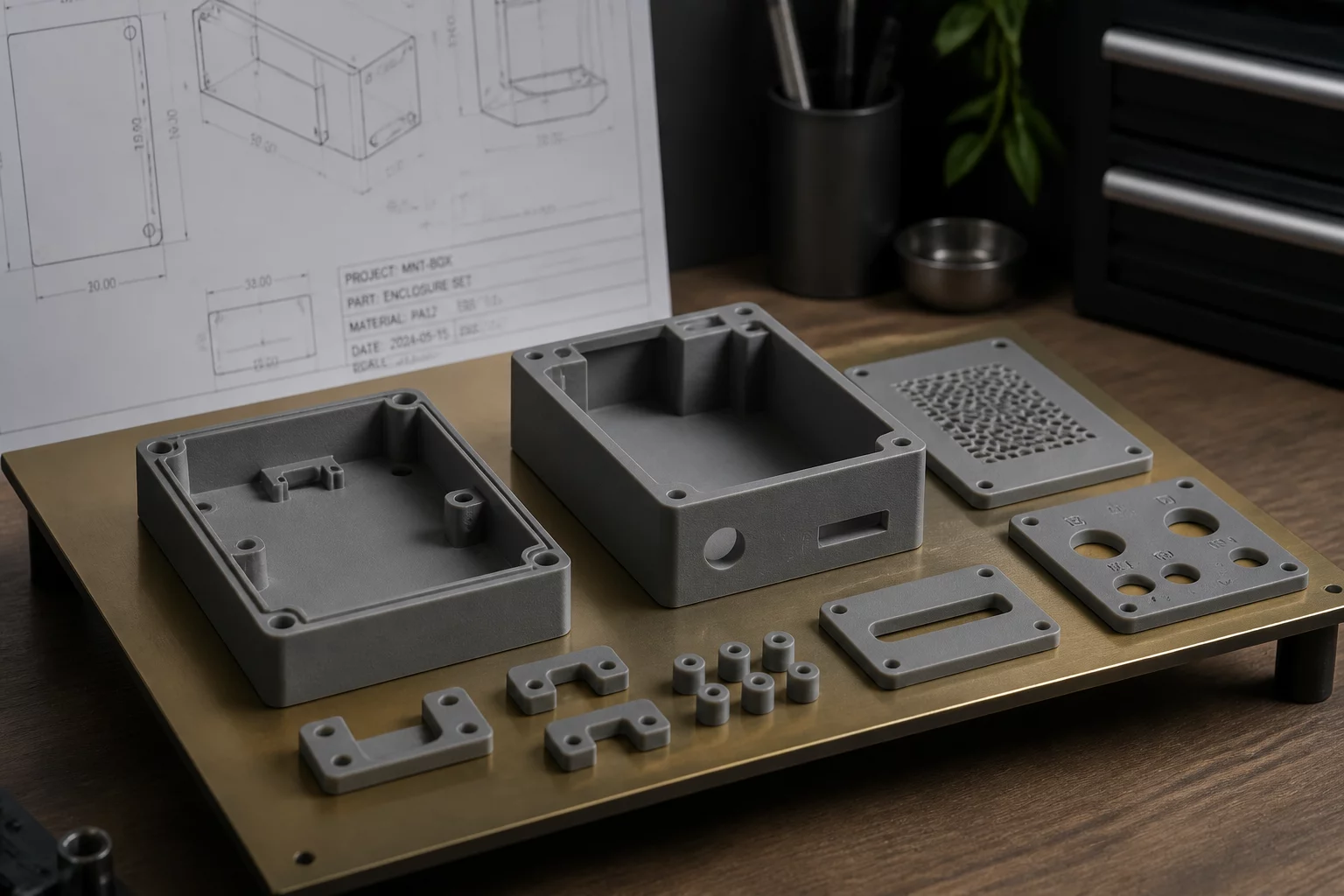
Single Plate vs. Modular Staging Parameters
Comparing key production metrics between consolidating fourteen parts on a unified plate versus distributing them across three functional plates.
| Parameter | Configured Value | Operational Guidance |
|---|---|---|
| Failure Cascading Risk | High (100% loss) | An adhesion failure on one tiny perimeter causes stringing across all 14 parts, spoiling the entire run. |
| Recommended Plate Count | 3 Plates | Distribute components into primary structural base, moving internal gears, and exterior snap cosmetic lids. |
| First-Layer Inspection Time | 4 min vs 18 min | Inspecting 14 disparate footprints simultaneously on layer one demands excessive manual scrutiny. |
| Reprint Turnaround | 22 min isolated | Rerunning a single defective tolerance pin takes minutes instead of an 8-hour total batch restart. |
| Workbench Staging Speed | Immediate step 1 | Assembly technicians can build Stage 1 while Plates 2 and 3 are still actively printing. |
Quantitative Impact of Plate Distribution
- Mean Scrap Reduction
- 68% decrease in wasted filament across multi-unit prototyping runs.
- Assembly Pipeline Overlap
- Physical assembly begins 3.5 hours earlier while subsequent plates run.
- Thermal Bed Consistency
- Minimizes edge curling by keeping parts within the uniform thermal core.
- Part Sorting Overhead
- Zero bin sorting required when plates map directly to assembly sub-assemblies.
Why Distributed Plates Accelerate Mechanical Execution
The primary driver for cramming fourteen parts together is usually printer unattended run time: technicians start a long job overnight and expect fourteen ready pieces the following morning. However, statistical reality works against large part clusters. Each additional footprint introduces a separate perimeter peel event, an extra nozzle travel crossing, and heightened risk of nozzle blob collision. If part nine detaches at layer 120, stringing sweeps across the remaining thirteen items, producing fourteen pieces of scrap instead of fourteen functional parts.
Practical Segmentation Strategy
Instead of treating the build plate as a geometric storage bin, partition the fourteen components based on physical mechanical milestones and print settings:
- Plate 1 (Chassis & Structural Frame): Low-risk, heavy-infill parts that establish the foundation for hardware installation.
- Plate 2 (Precision Kinematics & Fasteners): Small pins, standoffs, and gears sliced with fine layer height and lower acceleration.
- Plate 3 (Enclosure Panels & Snap Lids): Cosmetic surfaces requiring clean top layers, textured surfaces, or separate filament colors.
Parallel Workflows on the Physical Bench
Splitting the job creates an asynchronous manufacturing flow. When Plate 1 finishes after two hours, the technician immediately presses threaded brass heat-set inserts into the chassis and secures the internal PCB. While that manual task occurs on the bench, Plate 2 prints the mechanical drive arms. By the time the chassis is wired, Plate 2 is ready for installation. Packing all fourteen parts onto one plate forces the technician to wait eight hours before turning a single screw.
Frequently Addressed Concerns
While bed swaps take roughly 60 to 90 seconds, the reduction in failure recovery time vastly offsets that overhead. A single failed 14-part print costs hours and hundreds of grams of filament, whereas modular plates contain risk and allow concurrent inspection.
For overnight builds, split the project into an overnight batch of the longest, lowest-risk structural parts on Plate 1, and schedule the smaller, high-detail kinematic pieces for daytime supervision when minor issues can be paused or corrected.
Slicer cancel-part functions are helpful when you catch an error immediately. However, if unobserved spaghetti or nozzle buildup occurs, traveling nozzles still drag molten plastic into neighboring parts, rendering individual cancellation insufficient.
Upgrade Your Additive Staging Workflow
Receive in-depth engineering breakdowns on build plate architecture, multi-material sequencing, and print farm throughput.